
Name-Based Anderson County Case Searches
Begin at the Kansas District Court Public Access Portal or its official Smart Search alias. You must register and sign in before Smart Search will run. That login is separate from any Kansas eFlex filing account. Type the name as last, first, middle, suffix when you know those parts. Finish the reCAPTCHA check, and submit the search.
- Select Smart Search and enter the party name or choose Business Name for an organization.
- Open Advanced Filtering Options and set Filter by Location to Anderson.
- Add a case type, filing-date range, status, or judicial officer when a common name returns too many matches.
- Open the likely case and compare the case number, type, filing date, parties or roles, judge, attorneys, and status.
- Read the public events index and verify the specific filing or outcome rather than treating a result-list hit as proof.
The portal adds Nickname and Sounds Like options. Both help with spelling variation. The catch is that they widen the result set, so expect more entries to sort through. A business goes under the business-name choice, never typed as though it were a person's surname.
Inside Anderson Smart Search
A September 2025 Smart Search guide describes the controls that shrink a broad statewide query into a focused Anderson County docket search. Fill in only what the public case needs. Extra fields just add noise.
| Search field | Anderson use |
|---|---|
| Record or Case Number | Best exact identifier for one court matter. |
| Party or Business Name | Use the matching search type and a county filter. |
| Location | Select Anderson instead of All locations. |
| Case Type and Status | Narrow CR, TR, CV, DM, PR, JC, or other displayed categories. |
| File Date Start and End | Reduce common-name results to a useful period. |
| Judicial Officer | Narrow cases assigned to a known judge. |
| Citation or Cross-Reference | Use when the official notice supplies that identifier. |
Optional date-of-birth and law-enforcement fields also appear in the interface. Ordinary public docket research does not call for them, and private values should not be republished. The goal is simply to find the right court case and read its public entries.
Case Number Searches
Current Anderson County Odyssey numbers combine a county abbreviation, four-digit year, case-type code, and six-digit sequence: AN-2026-CR-000001. Cases filed before November 2, 2020 usually drop the county prefix. The pattern looks like 2020-CR-000001. Try the exact number printed on your notice first.
When the full number fails, check punctuation and the filing era before falling back to a name search. CR means criminal, TR traffic, DM domestic, and PR probate. JC shows up on juvenile or CINC-style calendar rows. Trust the label the portal displays rather than guessing at a code. A case-number search beats a name query. It skips unrelated people who share a name. Even so, it cannot promise that every document image is online.
The 2020 Anderson Search Divide
Anderson County changed case-management systems around November 2, 2020, and that shift explains two common search headaches. Older case numbers lack the current AN prefix. And documents converted from the pre-Odyssey system stay off the public web portal, even where the case information itself is visible.
Case found, document missing? A public converted filing may be available at the Anderson courthouse kiosk even though Smart Search shows no web document link.
You will find the public terminal inside the courthouse at 100 E. 4th Avenue in Garnett, near the clerk offices. It is not a workaround for a sealing order. Think of it as a separate authorized channel for public material that Kansas does not expose on the web.
Anderson Case Search Results Explained
Opening a public case view shows more than the result list, but less than a full certified file. Read each field in context, and note the source and the search date.
| Case Number | The unique Anderson District Court identifier. |
|---|---|
| Case Type | The court's category, such as criminal, traffic, civil, domestic, probate, or another displayed type. |
| Caption and Roles | Public party names and procedural roles where access rules permit display. |
| Filing Date | When the case was initiated, not necessarily the date of the latest event. |
| Judge and Attorneys | The assigned judicial officer and public counsel or pro se status. |
| Status | The portal's current status label, which should be read with recent events. |
| Events Index | A chronological list of public filings, settings, orders, or other actions. |
| Document Link | An eligible public image, not a promise that all filed documents are online. |
Search Result Is Not a Certified Record
A Smart Search case view is public reference information, nothing more. It is not a certified docket or a transcript. It is not a criminal-history report. It does not prove that every court and record system has been searched. Status lines may need the latest event to make sense, and a calendar setting can shift after a PDF is made.
Need an official copy? Find the case and the exact document first. Then ask Tina Miller, Clerk of the District Court. Say whether you want a plain copy, certified copy, final journal entry, docket or events index, or transcript. The Anderson County court case records process covers document production. Smart Search mainly helps you spot the case and its public entries.
Two Ways to Search: County and State
Anderson County runs no separate local web case database. Smart Search is the statewide layer. The courthouse kiosk and the Fourth Judicial District calendar add the local detail. Which layer to use depends on the question you are asking.
| Channel | Returns | Best next step |
|---|---|---|
| Statewide Smart Search | Public district-court case information, events, and eligible images | Filter location to Anderson and open the case view |
| Anderson courthouse kiosk | Public terminal records, including some web-excluded converted documents | Ask clerk staff for terminal navigation help |
| Fourth District calendar | Judge-specific future settings in generated PDFs | Confirm a possibly changed date |
| Central Payment Center | Eligible traffic, criminal, juvenile, and fish-and-game payment lookup | Do not confuse payment data with a complete docket |
eFlex is not a search channel here, since it exists as the filing portal for registered, authorized filers. Its login and submission status never substitute for Smart Search.
Anderson Search Fallback Ladder
Search failures come from several causes, so work the official channels in a deliberate order.
- Try the exact current or legacy case number in Smart Search.
- Try a party name with Anderson location, case type, date range, and judge filters.
- For an eligible payable matter, search the Central Payment Center by citation or case details.
- Search the current Fourth Judicial District judge PDF by number, name, attorney, judge, or date.
- Use the Anderson courthouse terminal for public kiosk-only information and converted documents.
- Call (785) 448-6886 for routing, hours, or request instructions, not an informal telephone record search.
- Send a specific written KORA or copy request when a public document is not supplied by the portal or kiosk.
Mail requests go to the Anderson County District Court, P.O. Box 305, Garnett, Kansas 66032. The fax line is (785) 448-3230 when the relevant form or clerk instruction permits it. Ask whether email works for your request. Do not assume a message creates a filing or records demand.
Which Anderson Cases Stay Restricted
Not every Anderson County case shows up on the web portal or the courthouse kiosk. Sealed cases stay hidden in both places. Kansas Smart Search also blocks whole categories from public web view. Adoption, domestic, and CINC cases are among them. For divorce, visitation, support, and paternity matters, the guidance differs. Anderson sends you to the courthouse in person. Probate mental-health, guardianship, conservatorship, care-and-treatment, and juvenile-offender files face extra limits too.
A blank result does not mean a sealing order exists. The case might carry a legacy number. It could sit in an excluded category, be a pre-Odyssey converted document, or simply lack a public image. Ask the clerk of court about the material. It may be kiosk-only, released by written request, or truly restricted. One more caution. Never try to piece together suppressed names from a calendar row marked Sealed.
Anderson Searches Need Source Notes
A written note beats a saved picture every time. Jot down the portal URL. Add the search date and the location filter for any Anderson County docket search. Note the exact name or case-number format you typed. Add the case type, the filing range, and where the result came from: Smart Search, a kiosk, a calendar PDF, or the clerk. If a calendar PDF produced the entry, note its generated timestamp too.
This discipline pays off. Kansas changed its Smart Search and kiosk guidance in 2025, and the access system still treats online records differently from terminal records. A clear note also helps a later reader. It keeps them from confusing a missing web image with a missing court filing. Confirm anything important against the originating Anderson County District Court record.
Anderson Portal Screens Compared
The official statewide case portal shows the account-based entry point the public uses for Anderson County case searches.
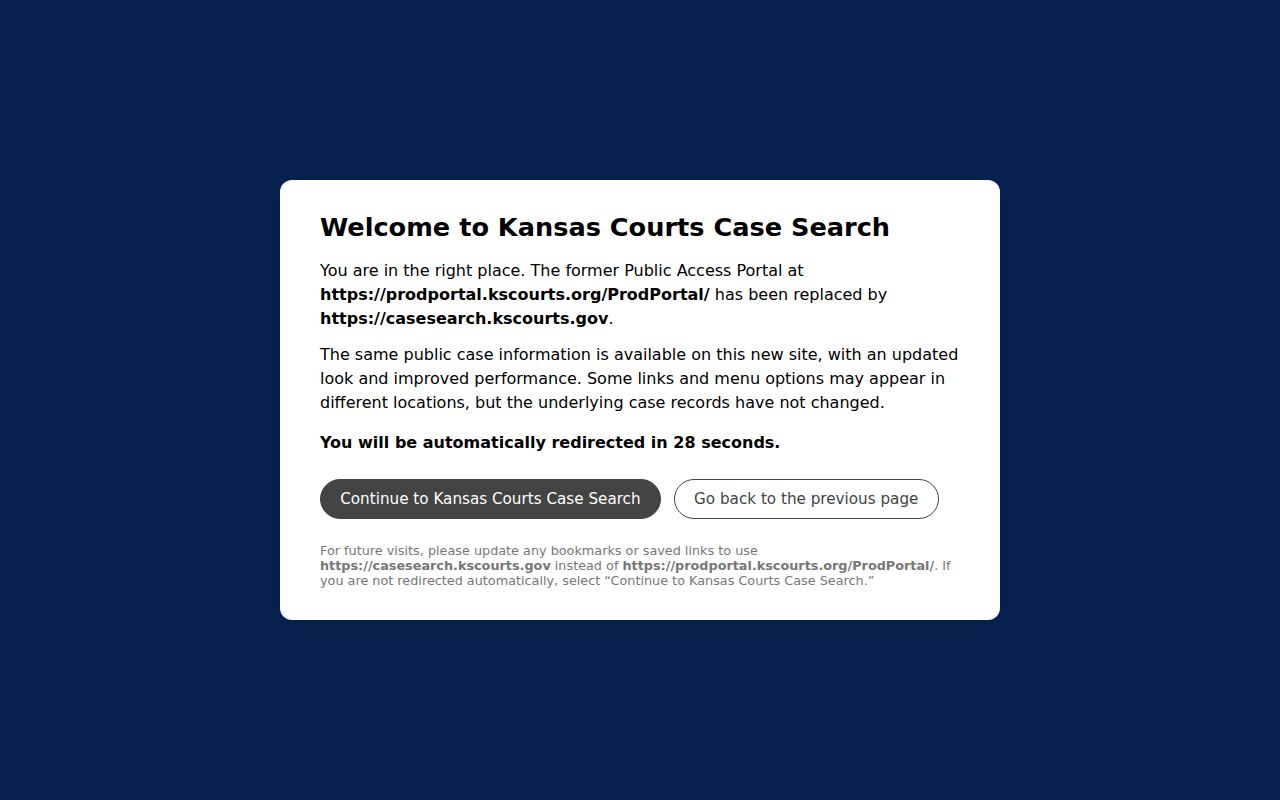
This screen separates public Smart Search from the system used to submit filings. Note which one produced your result. It helps the next person repeat the Anderson County docket search the same way.
The Kansas eFlex portal shows the different login and workflow that authorized filers face.
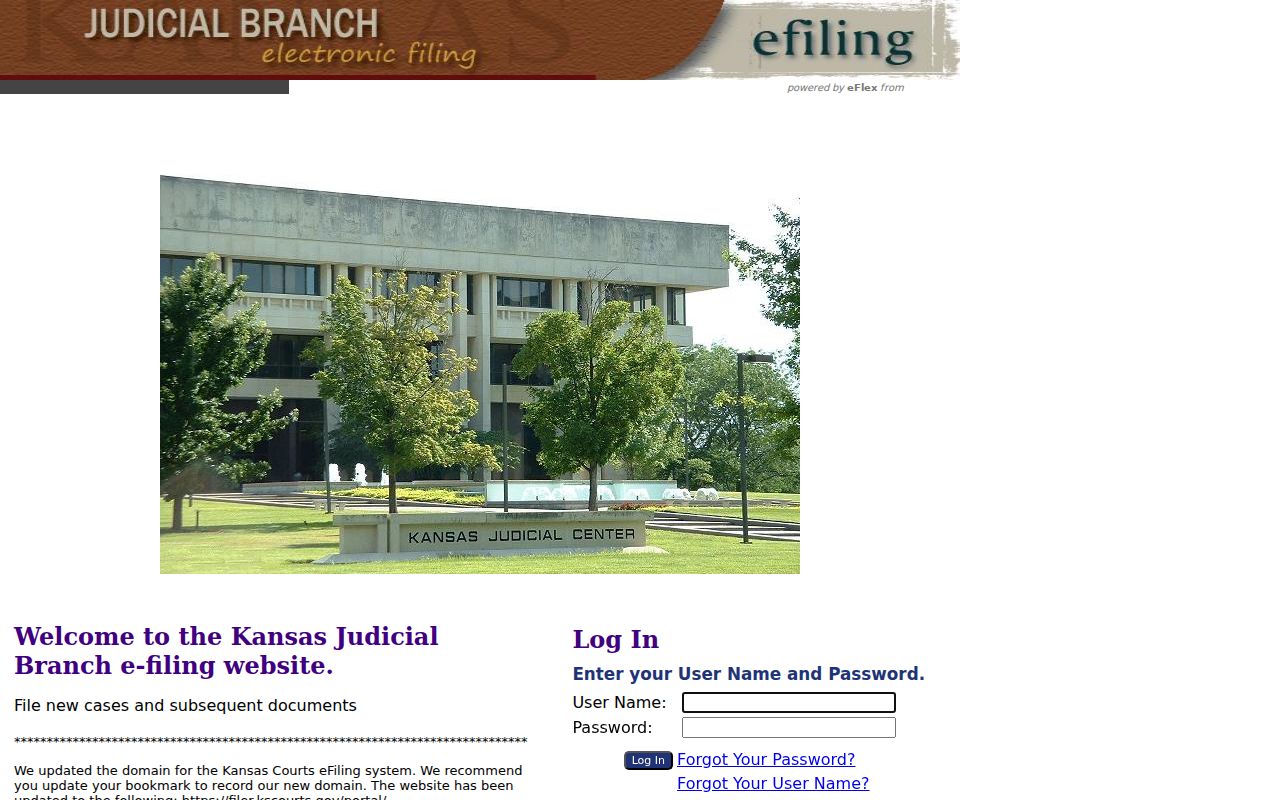
The filing controls here explain why a reader who wants public Anderson case information should go back to Smart Search instead.